Single Rail Cat5 LCD KVM over IP Switch
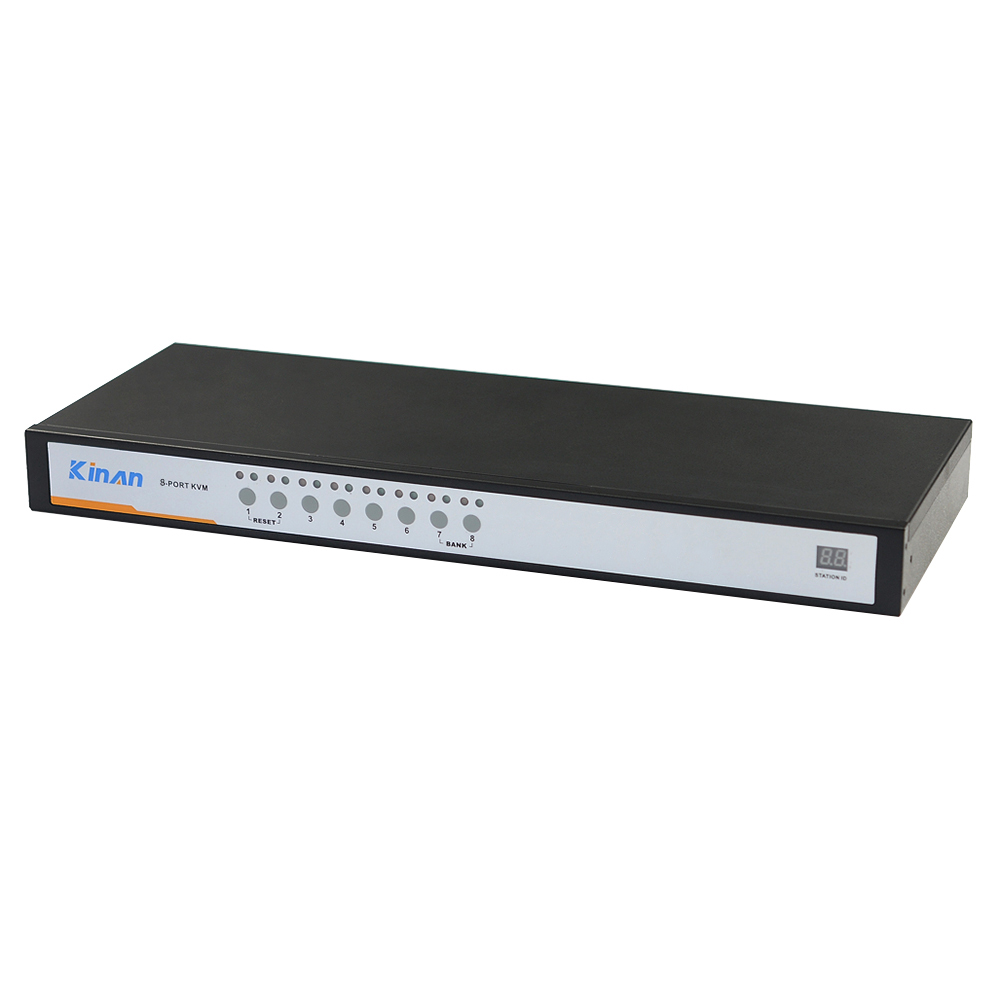
17” 8 Port CAT5 LCD KVM over IP Switch 1-Local / 1-Remote Access
Model No.: HT1708
17” LCD Display 1 Local / 1 Remote User 1280 x 1024
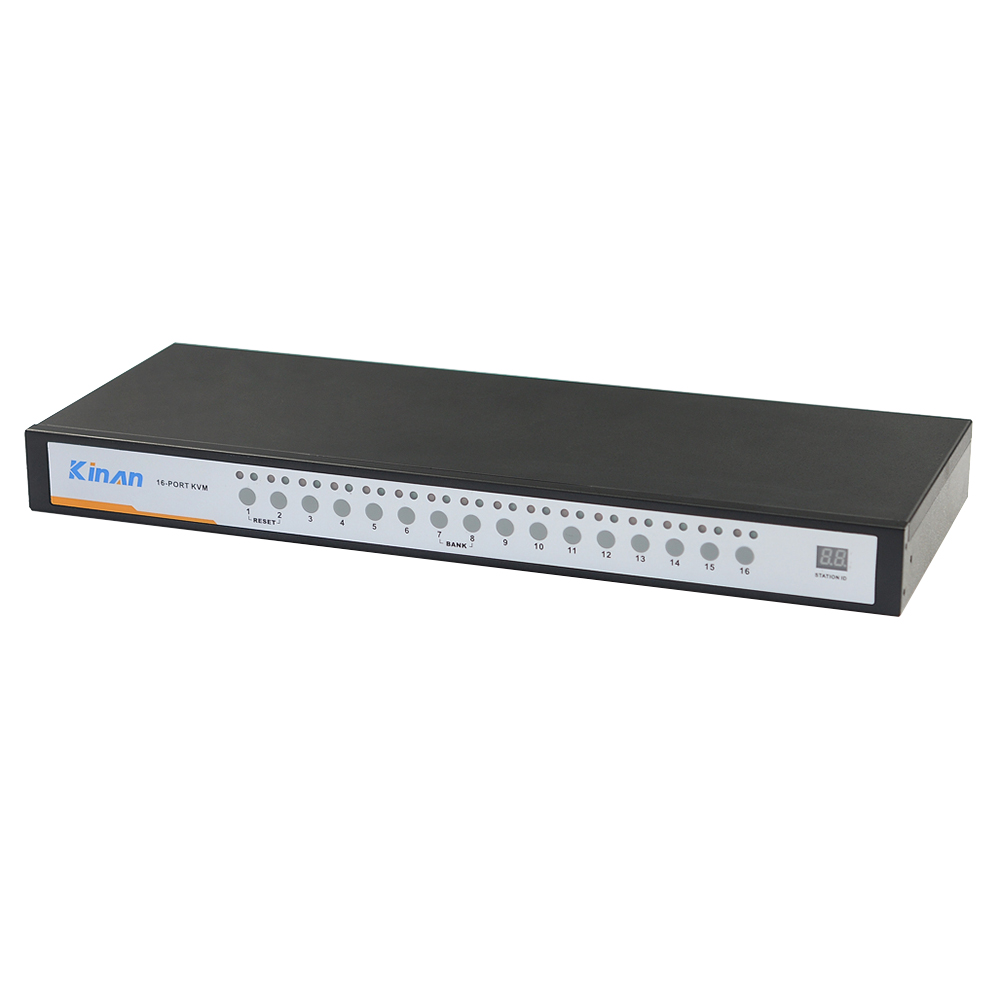
17” 16 Port CAT5 LCD KVM over IP Switch 1-Local / 1-Remote Access
Model No.: HT1716
17” LCD Display 1 Local / 1 Remote User 1280 x 1024
19” 8 Port CAT5 LCD KVM over IP Switch 1-Local / 1-Remote Access
Model No.: HT1908
19” LCD Display 1 Local / 1 Remote User 1280 x 1024
19” 16 Port CAT5 LCD KVM over IP Switch 1-Local / 1-Remote Access
Model No.: HT1916
19” LCD Display 1 Local / 1 Remote User 1280 x 1024
Overview
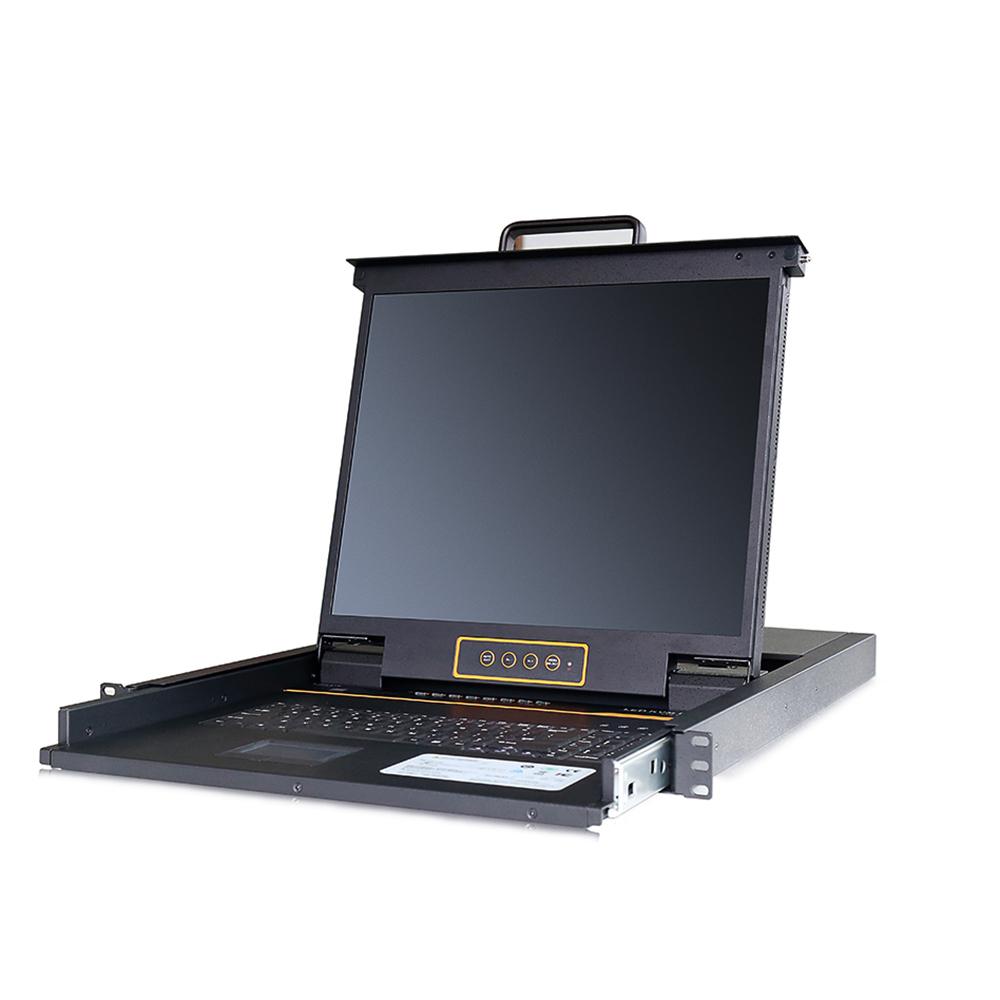
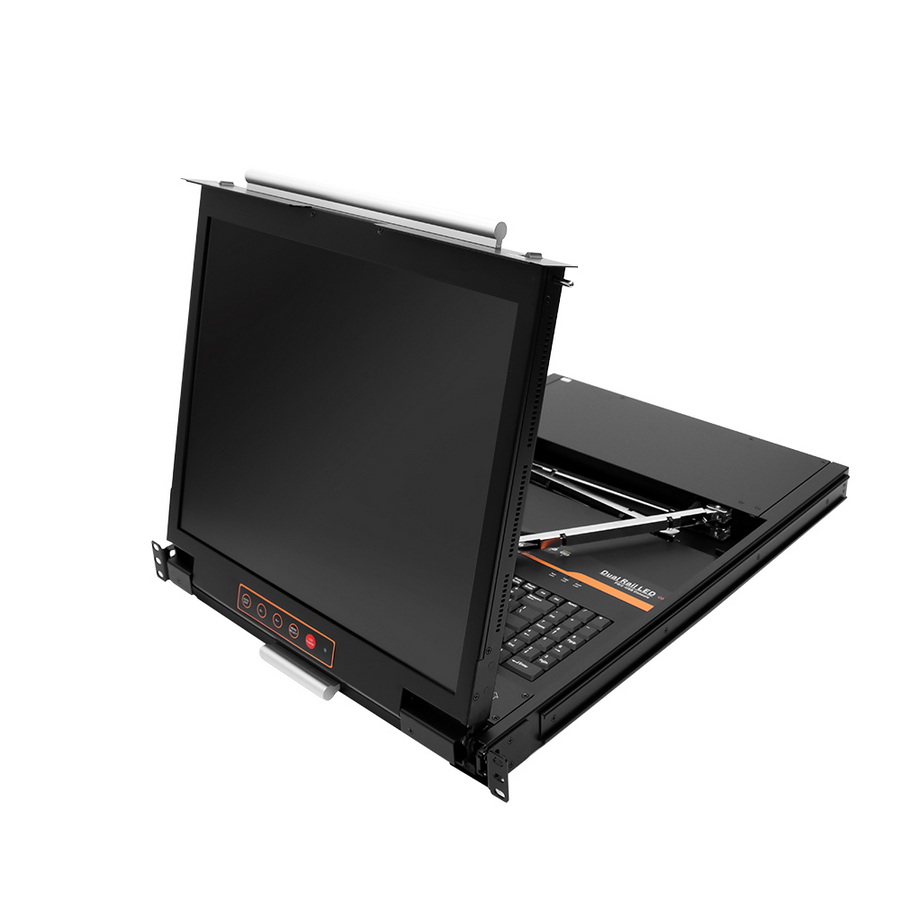
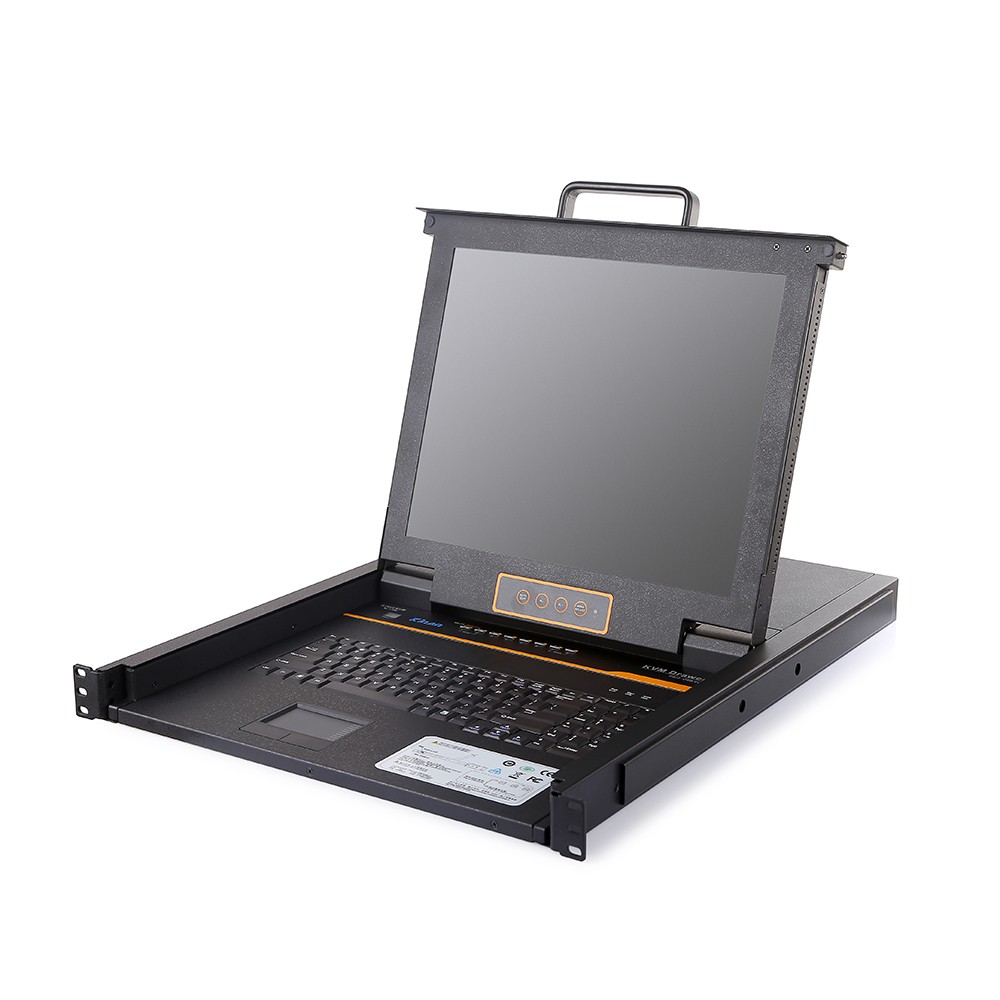
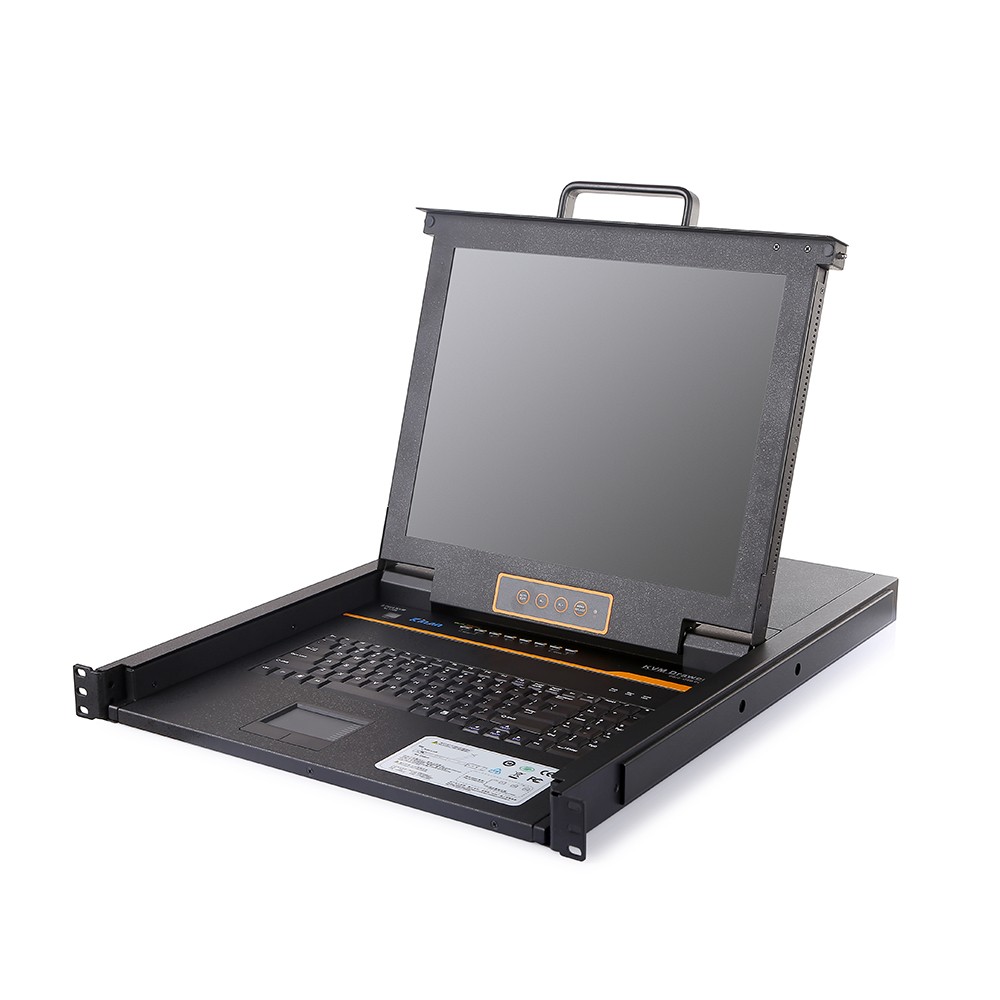
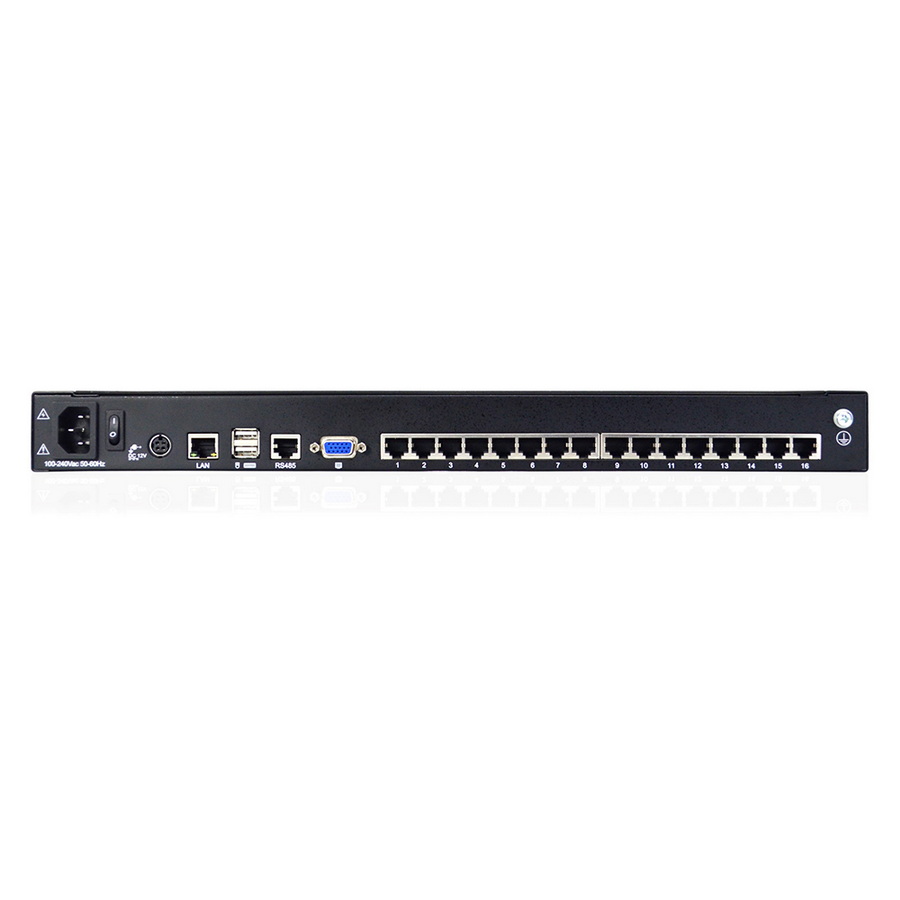
Featuring an integrated 17”/19” LCD monitor, keyboard, and touchpad in a 1U rack-mountable housing, the HT1708/HT1716/HT1908/HT1916 Cat5 LCD KVM over IP Switch is a control unit that allows secure access to 8/16 computers from a single KVM console.
The HT1708/HT1716/HT1908/HT1916 features IP-based connectivity that allows local and remote operators to monitor and access the computers concurrently. With TCP/IP communications protocol, you can access the connected servers from any computer on the LAN, WAN, or Internet.
The LCD KVM switch supports both USB and PS/2 connections for the computers. An extra HDB15 port allows an additional VGA monitor to be connected. Kinan also provides VGA, DVI, HDMI, and DisplayPort KVM adapter cables to link to computers/servers, support any combination of computers with different video inputs.
It’s easy to set up the Cat5 LCD KVM over IP Switch, just plug the cable into the appropriate port, no software needed, no complicated installation procedures, and no compatibility issues. Connect computers with compact RJ-45 connectors and Cat 5e/6 cable. The transmitting distance is up to 100m.
Features
Hardware Features
Integrated KVM Console with 17”/1” LCD monitor, keyboard/touchpad in a 1U height console
Standard Cat5 connection-Connect to a server or computer via standard RJ-45 connectors and Cat5e/6 cables
LCD module can be opened up to 108 degrees to provide a comfortable viewing angle
External console port – provides an external VGA, keyboard and mouse port to manage the LCD KVM Switch from an external console
One bus for IP KVM remote access
Local Console
Controls up to 8/16 computers from a single console
Support 1 local user and 1 remote user, port share mode allows local and remote users to gain access to a server simultaneously
Easy-to-use switching by browser-based UI interface, hotkeys and pushbuttons
Support servers with VGA/DVI/HDMI/DP port
Multiplatform client support - Windows, Linux, Unix, Mac, Solaris (Sun), Redhat, Ubuntu
Local Console, Browser, and AP GUIs offer a unified management interface
Local resolution is up to 1280 x 1024 60Hz
Support mouse synchronization mode-automatically synchronizes the local and remote mouse movements
Video synchronization with local console - EDID information for local console display can be stored in the host module for video resolution optimization
Keyboard and mouse emulation to ensure the normal booting
Auto scan feature for monitoring user-selected computer
Hot pluggable--add or remove computers without having to power down the switch
Remote Console
Adaptive 10 / 100 / 1000 Mbps network
WEB browser-based remote management
Resolution for remote console is up to 1920x1080 60Hz
BIOS-level access
Video quality and video tolerance can be adjusted to optimize data transfer speed, data transfer speed is up to 30 FPS
Full screen or scalable video display
Remote users and local users can control the same server/computer synchronously
Support AES / DES / 3DES encryption
Support audit function-allows the administrator to audit the device through the system log and operation log
Exit Macros support
Configurable user and group permissions for server access and control
Support strong password
Support firmware upgrade
ABBA RACK, Rack Server Indonesia